Small Business CRM Guide: Get Running Fast Without Enterprise Complexity
Small service businesses don't need Salesforce. They need something that helps a 5-person team respond to leads faster, track open jobs, follow up on estimates, and not lose customer history when someone leaves the company.
The enterprise CRM ecosystem is not built for you. It's built for companies with dedicated CRM administrators, implementation consultants, and teams that spend months on configuration before going live. If you try to apply those approaches to a small service business, you'll burn money and end up with a system nobody uses.
This guide is for service businesses with fewer than 50 employees who want to get operational quickly and see results in weeks, not quarters. Last updated April 2026.
What Small Service Businesses Actually Need From CRM
Strip away the enterprise features and the core requirements are straightforward:
A single place for customer information. Name, contact details, job history, communication log. One record per customer that every team member can access and update.
Lead tracking with follow-up. New inquiries don't fall through cracks. Every lead has a status and an assigned owner. Follow-up is tracked, not remembered.
Job and estimate management. Open estimates visible at a glance. Job status from scheduled through complete. Nobody guessing what's happening.
Basic invoicing or accounting integration. Either native invoicing or a clean connection to QuickBooks or Xero. Job completion to invoice should be a single step.
Mobile access that works. Field techs update job status and log notes from a phone. This is non-negotiable for field service businesses.
Simple automation. Lead acknowledgment, estimate follow-up, post-job check-in. Nothing elaborate — just the three or four touchpoints that currently fall through the cracks.
If a CRM offers all of this and not much else, that's usually a feature for a small service business, not a limitation.
Choosing the Right System
The biggest mistake small businesses make is choosing a CRM based on feature count or brand recognition. More features mean more configuration, more training, more maintenance, and higher monthly cost. For a small team, that's not an upgrade — it's overhead.
Evaluate based on fit, not features:
- Does the default setup match how your business works without significant customization?
- Can a non-technical person run a report without training?
- Is the mobile app genuinely usable, or does it feel like an afterthought?
- How long does setup actually take? (Ask for references at your company size and industry.)
- What does support look like when something goes wrong?
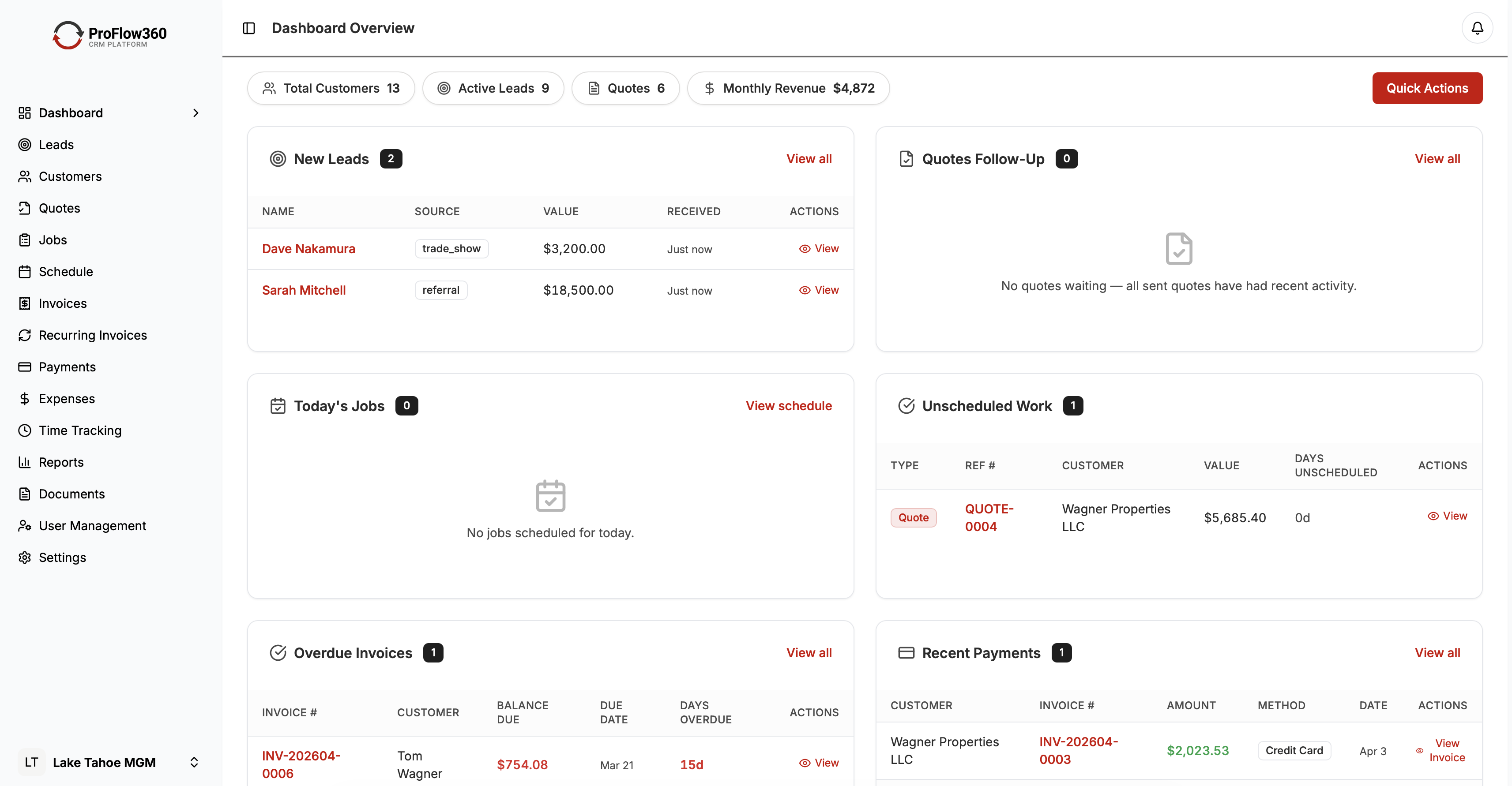
ProFlow360 is designed for service businesses in the 2–50 employee range. The pipeline stages, job tracking, and automation templates are pre-built for how field service companies operate — which means significantly less configuration time than general-purpose CRM.
For comparison, small businesses implementing Salesforce or HubSpot typically spend 60–120 hours on configuration and training before going live. ProFlow360 implementations at this size range typically complete in 10–20 hours.
Getting Set Up in Two Weeks
This is a realistic timeline for a service business with fewer than 500 customer records.
Days 1–3: Foundation
- Set up your user accounts and roles (owner, office, field tech)
- Configure your pipeline stages to match your actual workflow
- Add 5–10 custom fields for information specific to your trade
- Connect your email (Gmail or Outlook) for communication tracking
Days 4–7: Data Import
- Export your customer data from spreadsheets or current system
- Clean duplicates and incomplete records before importing
- Import in batches: active customers first, then recent history
- Verify a sample of 20–30 records after each batch
Days 8–10: Build Core Automations
- Lead acknowledgment email and rep notification
- Estimate follow-up task (3 days after estimate sent)
- Post-job check-in (7 days after job marked complete)
- Test each automation with a sample record before activating
Days 11–14: Train and Go Live
- 45-minute training session for field techs (mobile app, job updates, notes)
- 60-minute training session for office staff (leads, estimates, reports)
- Set go-live date and communicate to team
- Archive spreadsheets — CRM is now the system of record
The Mobile-First Reality
If you have field technicians, the mobile experience is not secondary — it's primary. A CRM that works great on a desktop but poorly on a phone will have zero adoption from field staff, which means you'll have a system that's accurate for office work and blind to what's actually happening in the field.
Before committing to any CRM, test the mobile app yourself on a phone:
- Can you pull up a customer record in under 10 seconds?
- Can you update job status with a few taps?
- Can you log a photo of completed work?
- Does it work without reliable cell signal?
ProFlow360's mobile app is built for field techs, not adapted for them. The interface is simplified for touch, loads quickly on slower connections, and supports offline mode so techs can log updates even in buildings with poor signal.
Keeping It Simple: The Rule of Three
Small businesses have a natural tendency to over-configure CRM once they see what's possible. Resist it. More complexity means lower adoption and more time spent maintaining the system.
Apply the Rule of Three to every configuration decision: only add something if it saves three times as much time as it costs to build and maintain.
Fields: Start with the minimum needed to run your business. Add fields only when a specific need arises — not because they might be useful someday.
Automations: Build three automations first (lead response, estimate follow-up, job check-in). Get them working and measured before adding more.
Integrations: Connect your accounting software and email. Everything else waits until you have a specific, high-friction problem an integration would solve.
Reports: Start with four: pipeline by stage, leads by source, jobs by month, and revenue by customer. Add more only when a specific business question requires it.
Common Small Business CRM Mistakes
Buying enterprise software. Salesforce has a small business tier. It's still Salesforce. If you need a consultant to set it up, it's not the right tool.
Over-customizing before launch. Configure the minimum needed to go live. The best CRM is the one your team uses today, not the perfect one you're still configuring six months from now.
Making it optional. CRM only works as a system of record if everyone uses it. If managers run pipeline reviews from spreadsheets, the CRM will never be trusted.
Ignoring mobile from day one. Test the mobile app with your field staff before committing to a system. Their experience determines whether field data gets logged.
No clear owner. Designate someone as the CRM owner — the person responsible for keeping workflows current, adding new fields when needed, and being the first resource when questions come up. For a 5-person team, this is a 1–2 hour per week responsibility.
What ROI Looks Like at Small Scale
The financial case for CRM doesn't require enterprise volume to work. Consider a residential contractor with 10 employees and 300 active customers per year:
- Average job value: $800
- Current estimate-to-job conversion: 38%
- Lost leads per month from poor follow-up: estimated 4
Improving conversion rate from 38% to 45% through systematic follow-up: 7 additional jobs per month × $800 = $5,600/month incremental revenue.
CRM subscription cost for a 10-person team: $300–500/month.
Payback: first week of the first month.
This math holds even at smaller scale. Recovering two lost jobs per month at $500 average value pays for most CRM subscriptions several times over.
Conclusion
Small service businesses don't need a CRM that does everything. They need one that does the right things well — customer records, lead tracking, job management, mobile access, and a few key automations — and that can be set up and used without an IT team.
ProFlow360 is built for exactly this use case. If you're a service business with 2–50 employees and you're currently running on spreadsheets, email, and memory, the upgrade path is shorter than you think.
Free 14-day trial. See pricing. No credit card. No enterprise implementation timeline.
Tags
Mark Shvaya
Founder, ProFlow360
Sacramento-based broker and property manager. Built ProFlow360 to solve the operational chaos he lived through managing 50+ doors and a field service team.