How to Choose the Right CRM for Your Service Business: A Practical Decision Framework
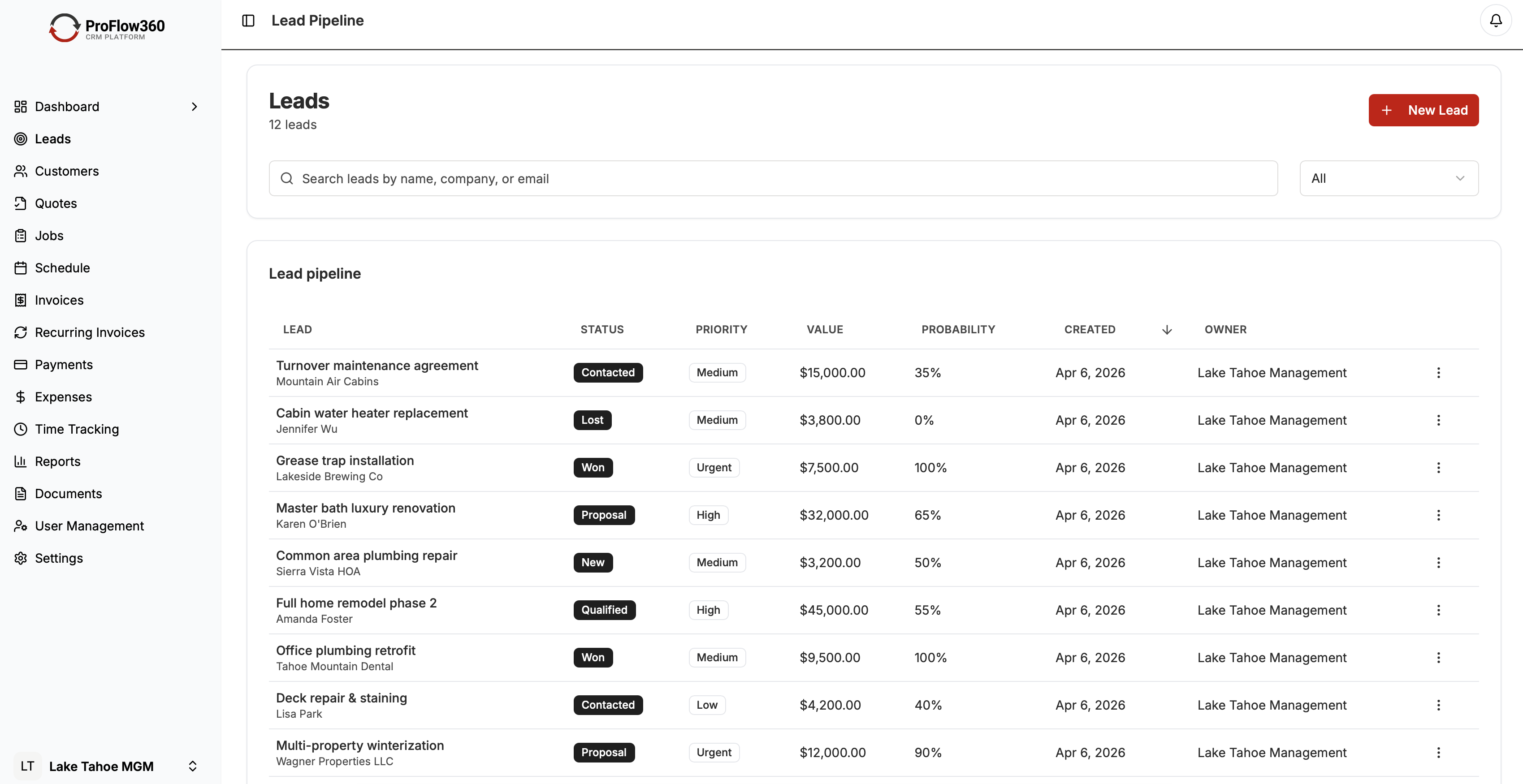
There are over 1,000 CRM products on the market. Most of them are not built for your business. Choosing the wrong one means 6–12 months of wasted implementation effort, low adoption, and eventually a second migration to something that actually fits.
This guide gives you a framework to cut through the noise and make a confident decision. Last updated April 2026.
Start With Your Business Type
CRM software falls into a few distinct categories. Knowing which one fits your situation eliminates 80% of the options immediately.
Operational CRM
Operational CRMs focus on automating customer-facing processes: lead management, quoting, job scheduling, invoicing, and follow-up. This is the category that matters for most service businesses.
Service companies — contractors, landscapers, plumbers, HVAC techs, cleaners, field service providers of all kinds — need a CRM that tracks a lead from first contact through job completion and repeat business. They do not need enterprise analytics or complex multi-department routing.
Best fit for: Service businesses, field teams, companies where the sale and the service delivery are closely related.
Strong options: ProFlow360, Housecall Pro, Jobber, Pipedrive
General-Purpose CRM
Platforms like Salesforce, HubSpot, and Zoho are built for sales organizations with complex pipelines, marketing automation, and multi-stage enterprise deals. They can be configured for service businesses, but that configuration takes time and often requires consultants.
Best fit for: Companies with dedicated sales teams, complex B2B deal cycles, or enterprise-scale requirements.
Not ideal for: Small service businesses that need to be operational quickly without an IT team.
Analytical CRM
These platforms prioritize business intelligence over operational workflows. They're valuable for large organizations with substantial customer data but are overkill for most service businesses.
Best fit for: Data-intensive industries, large customer bases, organizations with dedicated analytics teams.
The 6 Dimensions That Matter
Once you know your category, evaluate options across these six dimensions.
1. Workflow Fit
Does the CRM match how your business actually operates? A roofing company's workflow looks different from a commercial cleaning company's. The CRM should support your specific stages — estimate, scheduled, in-progress, complete, invoiced, follow-up — not force you into a generic sales pipeline.
Test this during the trial by building your actual workflow. If it requires extensive workarounds, that's a signal.
2. Mobile Experience
Field teams use phones, not laptops. The mobile app is not a secondary feature — it's the primary interface for half your users. Evaluate the mobile app on an actual phone in a realistic scenario:
- Can a tech update job status without hunting through menus?
- Can they log a note about a customer while standing on a job site?
- Does it work offline or require constant connectivity?
A poor mobile experience means field data doesn't get logged. You end up with a CRM that's accurate for office staff and blind to what's happening in the field.
3. Automation Capability
The productivity case for CRM depends on automation. Without it, you're just paying for a fancier spreadsheet. Evaluate:
- Lead assignment: Does it automatically route new leads to the right person?
- Follow-up reminders: Are tasks created automatically when quotes go out or jobs complete?
- Customer communication: Can it send automated status updates without manual effort?
- Renewal prompts: Does it flag customers due for seasonal or recurring service?
ProFlow360 includes pre-built automation templates for service business workflows, which significantly reduces configuration time. See the full feature list for details.
4. Integration With Your Existing Tools
Every integration you need that isn't native becomes a workaround. Before evaluating CRMs, list the tools you're not willing to give up:
- Accounting software (QuickBooks, Xero)
- Email platform (Gmail, Outlook)
- Scheduling or dispatch tools
- Payment processing
- Marketing tools (Mailchimp, etc.)
Verify integrations are actual two-way syncs, not just "connect via Zapier." One-directional or Zapier-dependent integrations work until they don't, and they add ongoing maintenance overhead.
5. Total Cost Over Three Years
Monthly per-user pricing is not the real cost. Calculate the three-year total including:
- License fees at your projected user count (including growth)
- Implementation and setup time (internal hours at your billing rate)
- Any required add-ons for features you need
- Training time
- Migration costs if you're moving from another system
A CRM at $35/user/month that requires $8,000 in setup consulting is more expensive than one at $75/user/month with guided onboarding included. Run the actual numbers.
6. Support Quality
When something breaks or you're stuck, how fast can you get help? Evaluate:
- Support hours and channels (phone vs. email vs. chat vs. forums only)
- Response time guarantees
- Onboarding support included or charged extra?
- Quality of documentation for self-service
For small businesses without internal IT, support quality is often the difference between successful adoption and a system that gets abandoned.
The Selection Process
Step 1: Define Must-Haves (Day 1)
Write down 5–8 capabilities without which the CRM cannot work for your business. These are disqualifiers — any CRM missing them is out regardless of other features.
Example must-haves for a field service company:
- Mobile app with offline capability
- Job status tracking from lead through invoice
- Automated follow-up task creation
- QuickBooks integration (bidirectional)
- Under $50/user/month at 10 users
Step 2: Shortlist to 3 Options (Week 1)
Use software review sites like G2 and Capterra, filtered by your industry and company size, plus peer recommendations. Aim for 3 finalists — not more. Evaluating more than 3 in depth is rarely productive.
Step 3: Run Structured Trials (Weeks 2–3)
Don't just click around. Set up your actual workflow in each trial. Import a small sample of real customer data. Have 2–3 members of your team use the system for their actual tasks. Test the mobile app on a phone, not a desktop emulator.
At the end of each trial, ask each person: Would you use this every day? What frustrated you?
Step 4: Check References (Week 3)
Ask each vendor for 2–3 customer references at similar company size and industry. Ask those customers:
- What made you choose this CRM over the alternatives?
- What surprised you after you went live?
- How's support when something goes wrong?
- Knowing what you know now, would you make the same choice?
Step 5: Negotiate and Commit (Week 4)
Once you've chosen, negotiate before signing. Common leverage points:
- Annual vs. monthly billing (typically 15–20% discount)
- Waived onboarding or setup fees
- Extended trial before billing begins
- Price lock for the first 2 years
Decision Matrix for Service Businesses
| Business Type | Top Priority | Recommended Starting Point |
|---|---|---|
| Residential contractor (1–10 techs) | Mobile + scheduling | ProFlow360, Housecall Pro |
| Commercial cleaning (10–50 clients) | Job tracking + invoicing | ProFlow360, Jobber |
| HVAC/plumbing (active seasonal) | Renewal automation | ProFlow360, ServiceTitan |
| Consulting/professional services | Pipeline visibility | Pipedrive, HubSpot |
| Enterprise sales org | Customization + reporting | Salesforce, Microsoft Dynamics |
Red Flags to Walk Away From
Pressure to sign before your trial ends. Any vendor that won't give you time to evaluate properly is not a long-term partner.
Vague answers about limitations. If they won't directly answer "what can this CRM not do," that's a problem.
Integration described as "available via Zapier" for a core workflow. That's not a real integration.
No customer references in your industry. Ask specifically for service business customers. Generic references don't validate industry fit.
Conclusion
The right CRM for your service business is not the most feature-rich one or the cheapest one. It's the one your team will actually use because it matches how you work, runs well on mobile, and saves time rather than adding it.
Build your must-have list, run structured trials with actual team members, and run the three-year cost comparison before you decide. ProFlow360 is purpose-built for service businesses — if you're a contractor, field service provider, or service company, it's worth a direct comparison against the alternatives you're evaluating.
Start your free 14-day trial — see pricing plans, no credit card required.
Tags
Mark Shvaya
Founder, ProFlow360
Sacramento-based broker and property manager. Built ProFlow360 to solve the operational chaos he lived through managing 50+ doors and a field service team.