Property inspection software for residential portfolios
Property inspection software records the condition of a rental unit in a form you can find and compare later. ProFlow360 is property management inspection software and an iPhone app for residential portfolios: templated room-by-room capture, move-in against move-out comparison, and a sealed record of each tenancy, alongside the PMS you already run.
Living room
Room 2 of 9
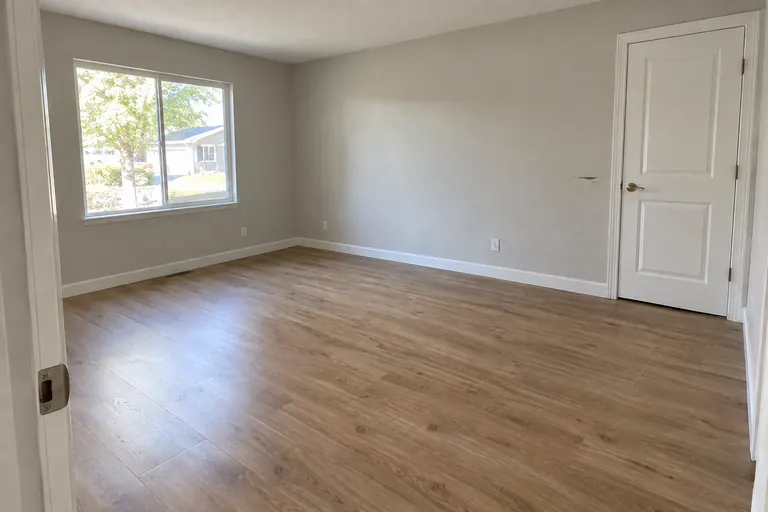 MO-22 · 10:42 AM
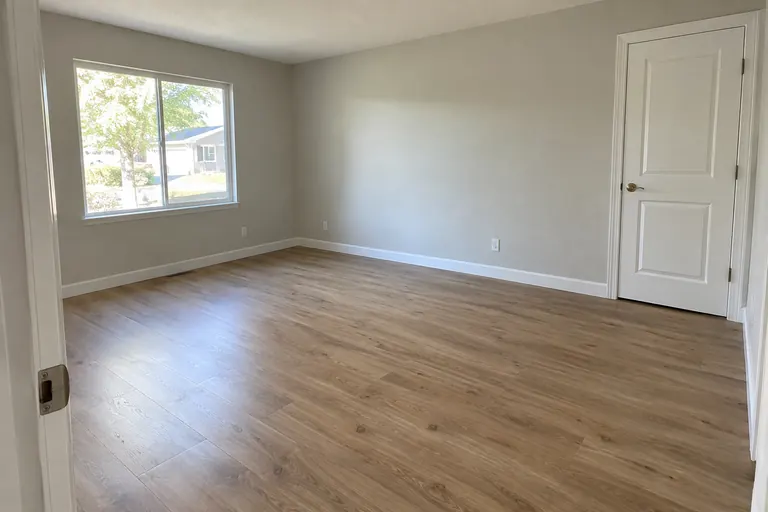 Match move-in framing
6 photos
1 waiting for signal
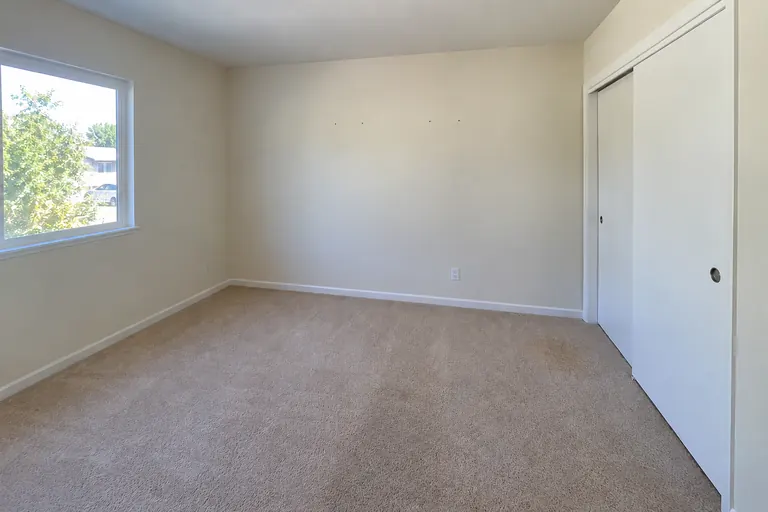
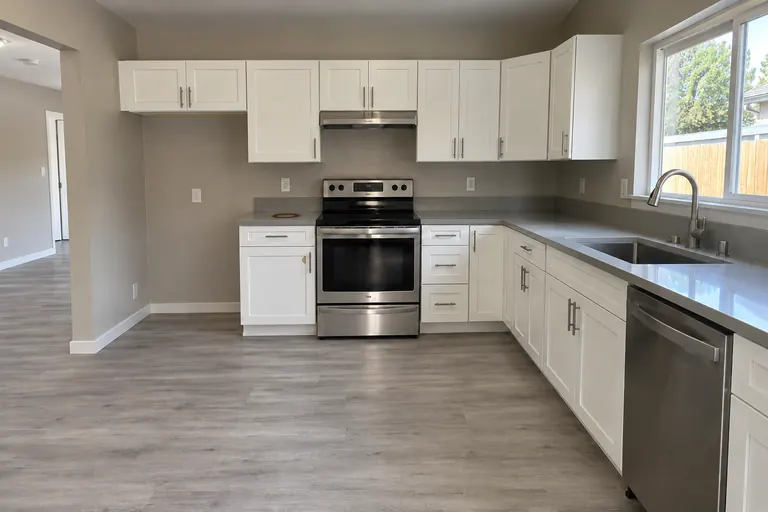
Wall scuff beside bedroom door
Short answer
Property inspection software records the physical condition of a rental unit so it can be found and compared later. ProFlow360 is property inspection software for residential portfolios: templated iPhone capture that works offline, move-in vs move-out photo pairing, classified deductions, and a sealed evidence record, alongside the PMS you already run.
Four ways teams do this today
Each of these works up to a point. Here is where each one usually stops working.
The phone camera roll
Free, always available, and fine for a handful of units. Taking photos is easy. Finding them later is the problem. Photos sit on the phone of whoever did the walkthrough, sorted by date taken, and leave with that person.
Where it breaks: It breaks when you need one photo of one wall from fourteen months ago.
A shared drive of address folders
The usual next step, and a real improvement because the photos survive staff turnover. A folder has no structure, though. It cannot tell you whether the move-in inspection was complete or match a move-out photo to its move-in photo.
Where it breaks: It breaks when you need to show nothing is missing and the folder cannot tell you.
A generic field inspection app
Built for a wide market: construction progress, facilities, and insurance. Capture and checklists are usually solid. Each job or site visit is stored on its own, with little link to the last one.
Where it breaks: It breaks when you need to compare two inspections of the same tenancy and match the same item photographed a year apart.
The inspection module inside a PMS
Convenient, already paid for, and already holding your property list. Inspections are usually one feature among dozens, and photos are stored as attachments on individual records.
Where it breaks: It breaks when you need one chronological record for a tenancy and the photos can only be opened one work order at a time.
How the four approaches compare with ProFlow360
| Question | Phone camera roll | Shared drive | Generic inspection app | PMS inspection module | ProFlow360 |
|---|---|---|---|---|---|
| Survives staff turnover | No | Yes | Yes | Yes | Yes |
| Capture standard enforced per room | No | No | Checklists, usually | Varies | Required shots; the room stays open until met |
| Move-out photo paired with its move-in match | No | No | Visits are independent | Not typically | Paired by template, both dates kept |
| Organized by tenancy | No | By address folder | By job or visit | Typically per work order | Yes |
| Record you can hand to someone outside | Manual | Share the folder | Varies | Varies | Expiring, revocable link or PDF |
These columns describe general approaches. They do not describe named competitors. For named products, see the comparison pages, which cite their public sources.
What should you look for in property inspection software?
Ask any vendor these six questions, including us. If a vendor cannot give a clear answer, assume the answer is no.
Does capture work with no connectivity?
Vacant units are concrete boxes with the utilities off. If photos must upload before the next shot, the inspection stalls or loses work without warning. Ask whether photos are written to the device before any network call, and what happens to the queue if the app is closed.
Does the app enforce required photos?
If a checklist can be marked complete with required photos missing, the record has gaps. Requirements should be set per room and per item, and the room should stay open until they are met.
Does each photo show when it was taken?
The upload time is a different fact. A photo taken Tuesday in a basement and uploaded Thursday from the office should read Tuesday.
Can a record be handed to somebody outside the company?
Owners, residents, and counsel do not have logins. Look for expiring links that need no account and an export that makes sense by itself.
Does it organize records by tenancy?
Deposit questions are about a whole tenancy. If the product cannot link the move-in and move-out inspections of the same residency, you do the comparison by hand.
Does it try to be your system of record?
If it also wants to run rent, accounting, and leasing, you are signing up for a migration. A documentation product should read your property list and leave the rest of your stack alone.
Who ProFlow360 is for
ProFlow360 documents the condition of residential rentals across each tenancy. It does nothing else.
It is a good fit if move-out charges are a recurring source of argument, if your inspection photos currently live in more than one system, or if the person who took the photos is often not the person who answers the resident's questions.
It is a poor fit if you want one system for rent, accounting, leasing, and maintenance. ProFlow360 has none of those and will not add them. It is also a poor fit if you need a PMS integration other than Rentvine today.
The parts available now are templated capture on iOS with offline support, timestamped photo records, resident-facing inspection links, the web review workspace, PDF photo reports, and expiring share links. The comparison, classification, and evidence package steps are in development, and every page that mentions them says so.
Your PMS
Rentvine, AppFolio, Buildium…
- Rent and ledger
- Leases
- Maintenance
proflow
- Inspections and photos
- Move-in vs move-out
- Classified findings
- Sealed revisions
Out
Package
PDF or an expiring link to one revision
Common questions about inspection software
What is property inspection software?
Software used to record the physical condition of a property in a structured way. It typically includes templated room-by-room checklists, photo capture against defined requirements, and some form of report or export. For residential property managers the practical purpose is documenting condition at the start and end of a tenancy so charges at move-out can be explained.
Do I still need this if my property management system has inspections?
It depends on what you need out of it. If the built-in module produces complete, retrievable, timestamped condition records that you can hand to a resident a year later, you probably do not. Many teams find the photos are attachments spread across separate records, with no single trail for a tenancy. ProFlow360 fills that gap and runs alongside your PMS.
How is ProFlow360 different from a generic inspection app?
Generic inspection apps are organized around a site visit. ProFlow360 is organized around a tenancy, so each move-out photo is linked to the move-in photo of the same item. It also leaves out accounting, rent collection, leasing, and maintenance dispatch on purpose.
What portfolio size is it built for?
Independent property managers and PM companies in roughly the 100 to 1,000-plus door range. Below that the camera roll usually still works. Above it, the retrieval problem is normally already painful enough that the team has felt it.
Which property management systems does it integrate with?
Rentvine, and only Rentvine at the moment. That integration reads properties, units, and tenants, and writes nothing back except report PDFs you choose to send. Other integrations are on the roadmap. None of them are available today, so we do not show their logos.
Keep reading
Start documenting condition properly
Create an account and run your next inspection with the evidence trail already in place.
30 days of Pro, no card required. Then Free for up to 3 doors.