Skip to content
Watch the recorded walkthrough

Move-in and move-out inspections on iPhone and the web

ProFlow360 is property inspection software for residential property managers, on one account. The iPhone app captures each unit's condition at the property. The web workspace compares move-in with move-out, records your deductions and issues a sealed evidence package. Here is what each one does.

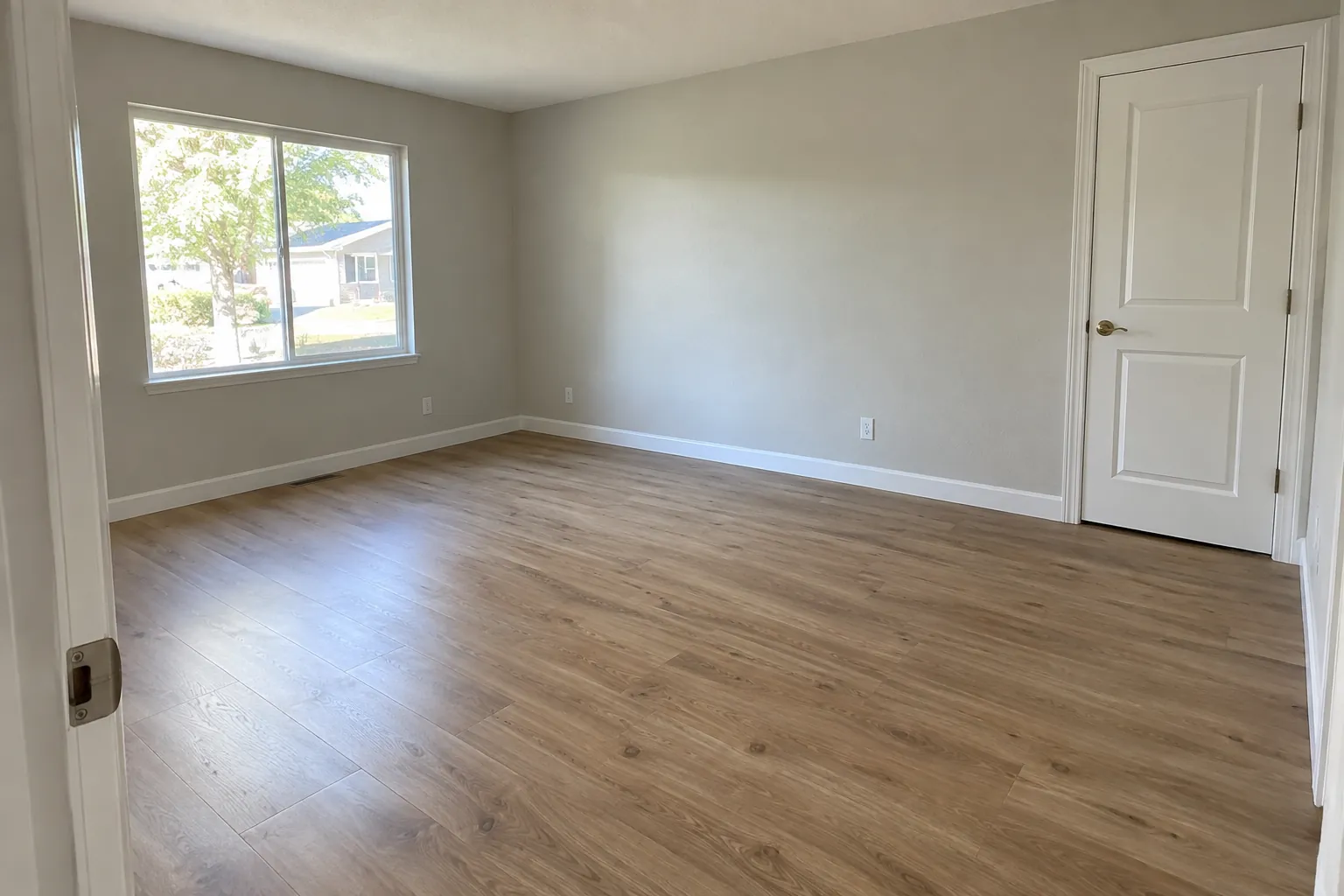
Living room at move-in: the wall beside the bedroom door is clean.
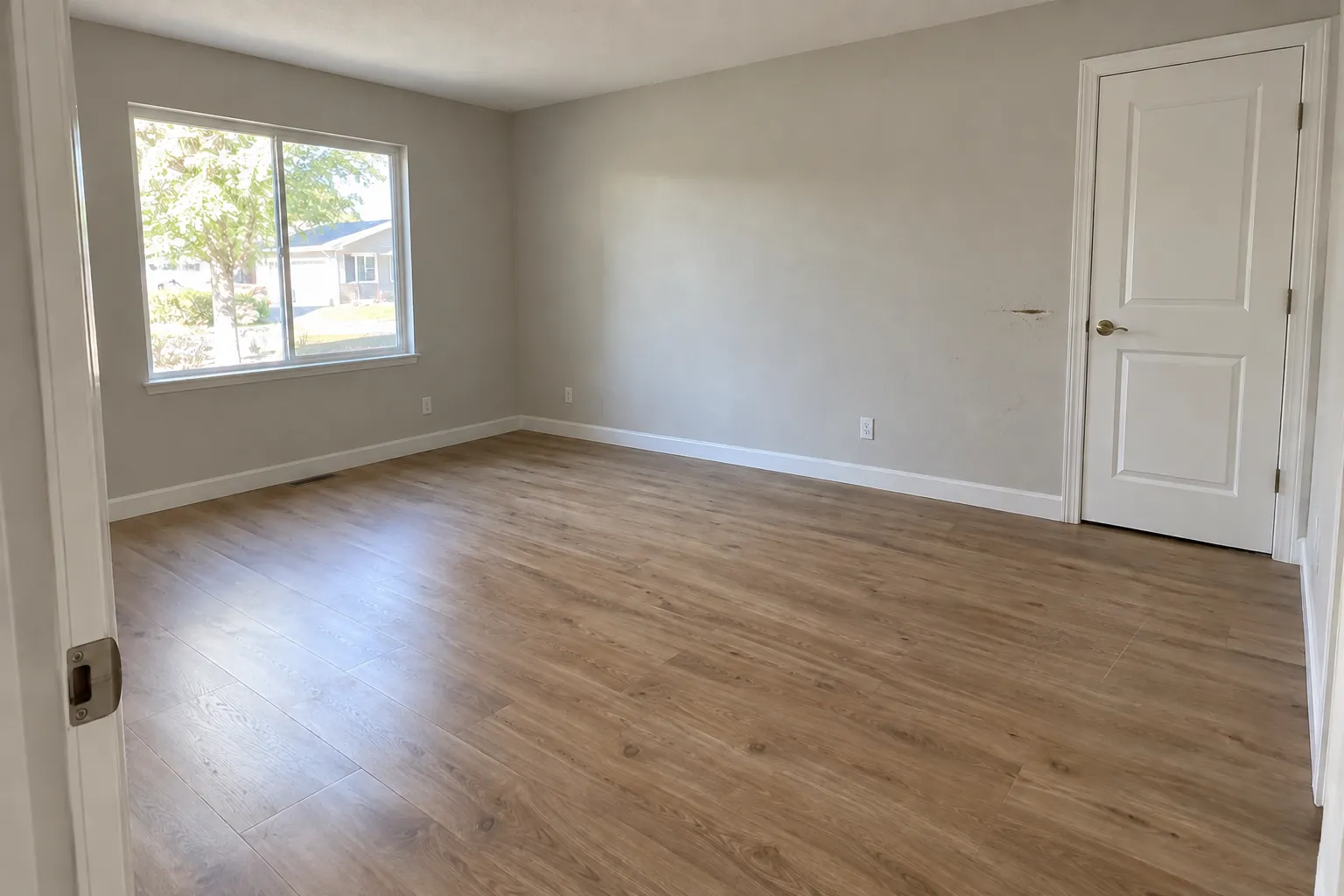
The same living room at move-out: a scuff on the wall beside the bedroom door.
Move-inMove-out
Tenancy
TEN-0418 · 2417 Alder Creek Way, Unit B
Room
Living room · photos 26 months apart
Finding
Tenant damage · $85.00
Record
Revision 1 · issued Oct 4, 2026 · sealed
Illustrative example with generated photos: a move-in and a move-out photo of the same living-room wall, the scuff circled, recorded as tenant damage of $85.00 on an issued, sealed record. Use the slider to compare the two photos.

Short answer

ProFlow360 is property inspection software with two surfaces: a native iPhone app for offline room-by-room photo capture, and a web workspace for comparing move-in against move-out photos, classifying deductions, and issuing sealed evidence packages. It documents residential property condition alongside your existing PMS.

What ProFlow360 does, and what it leaves to your PMS

ProFlow360 documents the condition of a residential unit over a tenancy and keeps those records easy to find when a tenant questions a charge.

ProFlow360 doesn't collect rent, keep accounts or trust ledgers, pay owners, run leasing, screen applicants or dispatch maintenance. Keep using AppFolio, Buildium, Yardi, Propertyware or Rentvine for those, and as your system of record.

ProFlow360 works alongside your PMS. It reads your property list where it can, keeps its own inspection records and gives you PDFs and evidence packages to export.

Your PMS

Rentvine, AppFolio, Buildium…

  • Rent and ledger
  • Leases
  • Maintenance

proflow

  • Inspections and photos
  • Move-in vs move-out
  • Classified findings
  • Sealed revisions

Out

Package

PDF or an expiring link to one revision

Illustrative: ProFlow360 reads from the PMS you run and keeps its own evidence record.

One tenancy, step by step

Pick a step to see where it happens, on iPhone or on the web.

9:41

Living room

Room 2 of 9

MO-22 · 10:42 AMMatch move-in framing

6 photos

1 waiting for signal

Wall scuff beside bedroom door

NoteCaptureIssue

Room-by-room templates tell the person on site exactly which shots are required. Capture works with no signal. Photos save to the device and upload when the network comes back.

Illustrative screens and photos

The iOS app

What does ProFlow360 actually do?

Everything below is available today. Where a feature has a limit, the description says so.

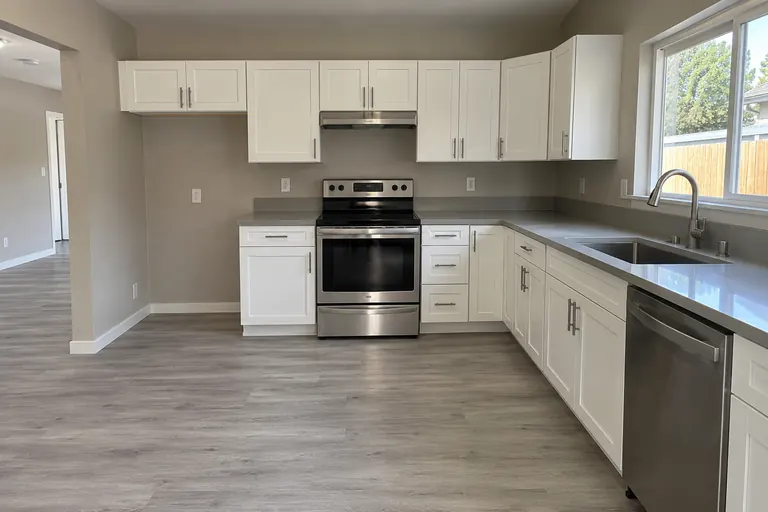
Kitchen

Room 3 of 9 · Move-out
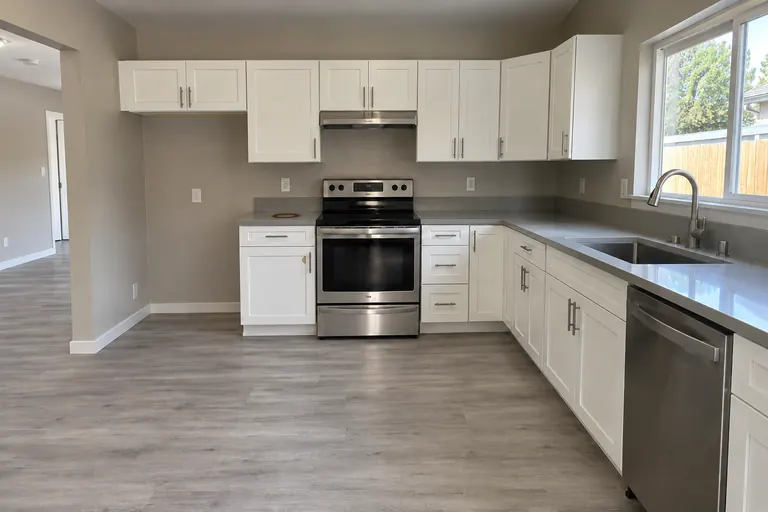
MO-29 · 10:58 AM
  • Counters and range
  • Sink and cabinets
  • Floor, wide
Available today

Templated room-by-room capture

An inspection template defines which rooms get walked and, inside each room, which shots are required. Each requirement carries its own label, written instructions, and an optional example image, so a new hire and a ten-year veteran produce the same set. Rooms can repeat per bedroom, so one template covers a studio and a four-bed without being rewritten.
Offline. 24 photos saved on this iPhone, uploading when signal returns.

  • Kitchen · countersSaved on device
  • Bathroom · tubSaved on device
  • Living room · door wallUploaded
Available today

Offline capture on iOS

Photos save to the device first and upload in the background when the connection returns. It works in a vacant unit with no signal.

How the iOS app works
MI · Jul 12, 2024
MO · Sep 30, 2026
Available today

Timestamped photo records

Every photo stores the moment it was captured, separately from when it was uploaded. Location can be attached too. The person capturing decides whether geotagging is on.

Resident inspection link

Submitted
proflow360.com/inspect/k7Qp…
Account
None needed
Expires
Jul 19
After submit
Locked
Available today

Tenant-facing inspection links

Send a resident a link and they can document condition themselves without creating an account. Links expire and can be revoked. They lock when the resident submits, and after that the photos in that submission cannot be added to, edited, or deleted through the link.

RoomMove-inMove-out
  • Entry & hallwayGoodGood
  • Living roomWorseGoodFair
  • KitchenWorseGoodDamaged
  • Bedroom 1FairFair
Available today

Web workspace

Review what came in from the field, organize photos against the property record, generate a PDF photo report with notes and date stamps, and share a link with an owner or a resident. Team members get project roles of admin, crew, or viewer.

RVRentvineConnected · read-only
212
Properties
486
Units
431
Tenants

Last sync 6 min ago · manual entries never overwritten

Available today

Read-only Rentvine sync

Pull properties, units, and tenants from Rentvine so the address list matches the one you already maintain. The integration only ever reads; records you created by hand are never overwritten.

What the sync covers

Move-in · Jul 12, 2024

Move-out · Sep 30, 2026

Kitchen conditionGood Damaged
Available today

Move-in / move-out comparison

Each inspection has a type (move-in, move-out, periodic or ad hoc), and a tenancy groups them into one residency. The comparison workspace pairs each move-out capture with the move-in capture of the same subject, so you review the two photos together.

Move-out inspections

Burn mark on counter, left of range

Normal wearTenant damageCleaningOther claimed
Ridgeline estimate.pdf$180.00
Available today

Condition classification

Record each finding as normal wear, tenant damage, cleaning, or other claimed, with the amount in whole cents, the person who entered it, the photos it rests on, and the repair estimate or invoice behind it. Each line also records whether it came out of the comparison or was typed by hand.

Deposit documentation

Record TEN-0418

Sealed
Deposit you entered
$2,400.00
Withheld
$400.00
Refunding
$2,000.00

SHA-256 a3f1c9…7b42

Resident link · expires Nov 3
Available today

Itemized deposit disposition

An itemized disposition moves through draft, issued, disputed, and resolved. Amounts are stored in whole cents, and the totals are checked against the line items when it is issued. The deposit figure is the one you enter. ProFlow360 does not check it against an account balance.

How a disposition is recorded

Revision 2

Issued Oct 9 · D. Ramirez

Current

Revision 1

Issued Oct 4 · kept intact

Superseded
Available today

Sealed, tamper-evident revisions

Issuing a disposition seals it: a SHA-256 hash over its canonicalized contents, plus a manifest of every referenced photo with its own hash and capture time. Postgres then rejects any update, delete, or late line-item insert against that revision. Corrections add a superseding revision instead of rewriting what was already sent.

What sealing means
proflowPage 1 of 14

Move-out inspection

2417 Alder Creek Way · Unit B · Sep 30, 2026

Living room · Fair
Kitchen · Damaged
Bathroom · Fair
Available today

Evidence package assembly and sharing

One chronological package for a tenancy. It holds the move-in capture, everything recorded in between, the move-out capture, classified findings and the repair documents behind them. It is shared through a scoped recipient link that must carry an expiry and can be revoked.

Evidence packages

Illustrative screens and photos

Room templates list every required shot

A template makes sure the routine shots get taken at every inspection.

An inspector working from memory takes photographs of what looks notable. Eleven months later, the photo you need is often a routine one: the undamaged cabinet door, the clean carpet in the corner, a wall with nothing wrong with it. Those are the shots people skip when they work from memory.

With a template, each room lists what has to be captured before it can be marked complete, and each requirement can carry instructions and a reference image so the framing is consistent between two different people on two different days.

Guided capture · move-out inspection, Unit BIllustrative

Offline. 12 photos saved on device, queued to upload

  • Kitchen
    Complete
    • Counters and backsplash
    • Appliance interiors
    • Under-sink cabinet
  • Bedroom 2
    In progress
    • Walls, all four
    • Flooring
    • Closet interiorOptional
  • Bathroom 1
    Not started
  • Garage
    Not started
A diagram of templated capture: each room carries its own required shots, and the queue holds anything captured while the unit had no signal.
Evidence package · Unit B, tenancy Mar 2025 – Feb 2026Illustrative

2417 Alder Creek Way, Unit B

Resident tenancy · 12 months

169 photos · 3 documents

  1. Move-in inspection

    03 Mar 2025

    9 rooms · 64 photos

  2. Mid-lease maintenance visit

    11 Jul 2025

    Water heater replacement · 6 photos

  3. Periodic walkthrough

    19 Nov 2025

    9 rooms · 41 photos

  4. Move-out inspection

    28 Feb 2026

    9 rooms · 58 photos

  5. Findings classified

    02 Mar 2026

    3 chargeable · 5 normal wear

  6. Repair documentation attached

    04 Mar 2026

    2 invoices · 1 vendor estimate

  7. Package receipt acknowledged

    05 Mar 2026

    Recipient acknowledgement timestamp recorded

Exported as a single chronological package, or shared as an expiring link. Amounts shown are the ones the operator entered.

A diagram of the assembled package: one tenancy in chronological order, from move-in capture through classification and attached repair documentation.

Reports you can send to a tenant or owner

Anyone you send a report to can read it without an account.

The workspace produces PDF photo reports with grouped photos, notes, capture dates and optional location. It also assembles the chronological evidence package for a tenancy from the records you already have.

Both go out as links a recipient opens without an account. A recipient link is scoped to exactly one issued revision, must carry an expiry, is stored only as a hash, and can be revoked. Views, downloads, and acknowledgements are appended to a log that cannot be edited afterwards.

ProFlow360 records and organizes inspection evidence and the deductions you enter. It does not determine legal entitlement, statutory deadlines, or account balances. It does not hold or move funds.

Start documenting condition properly

Create an account and run your next inspection with the evidence trail already in place.

30 days of Pro, no card required. Then Free for up to 3 doors.