Your move-out charges depend on the move-in inspection
A move-in inspection records a unit's condition on the day the resident takes possession, and it is the baseline every move-out charge is measured against. ProFlow360 runs move-in inspections from room-by-room templates with required shots, on iPhone or through a resident self-inspection link, so the baseline is complete before anyone needs it.
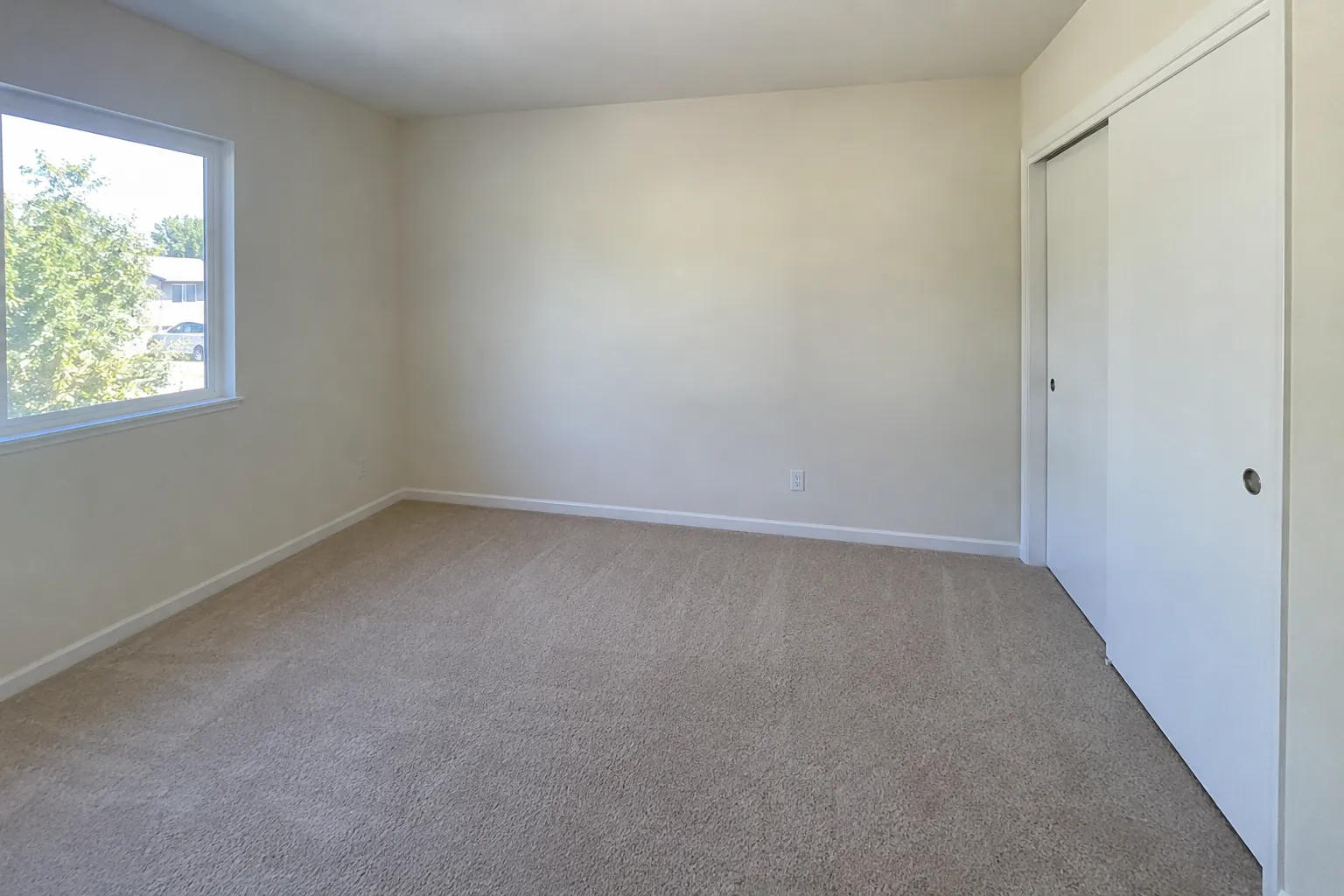
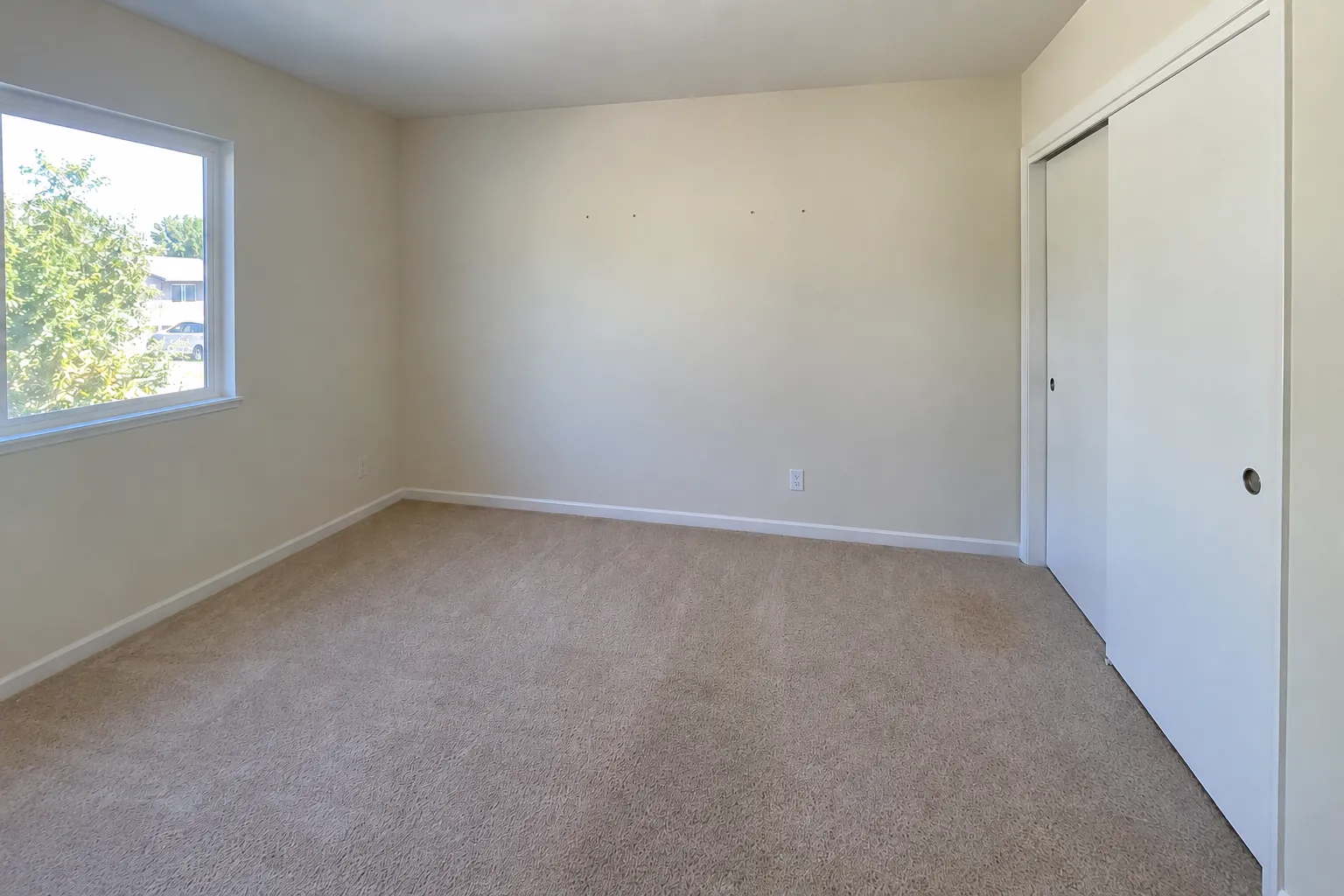
Short answer
A move-in inspection records a rental unit's condition on the day the resident takes possession. It is the baseline every move-out charge is measured against. ProFlow360 runs move-in inspections from room-by-room templates with required shots, on iPhone or through a resident self-inspection link, so the record is complete before anyone needs it.
A move-in baseline has to be complete
An incomplete move-in record looks thorough until a resident asks about a room it skipped.
Here is how it usually goes. A leasing agent walks the unit before handover, takes twenty or thirty photos of whatever stands out, and files them. Eleven months later a resident disputes a carpet charge, and the question is whether the carpet was clean at handover. There are photos of the kitchen, the bathroom fixtures, and a scuff on a bedroom door. None of them show the living room floor.
The charge may be fair. Without the photo, it comes down to one person's memory against another's, and the party holding the deposit has to justify the charge.
That is why move-in photos should follow a checklist. The photos you end up needing are usually the plain ones nobody thought to take.
Move-in · 2417 Alder Creek Way, Unit B
Template: Single family, 3 bed
- Entry & hallway4 of 4
- Living room5 of 6Required: Floor, wide from doorwayCapture
- Kitchen8 of 8
- Bedroom 14 of 4
- Bathroom6 of 6
Living room can be completed once every required shot is captured.
What should a move-in inspection include?
Every required shot in every room, taken the same way each time. With one template for every unit, two inspections by two people six months apart can be compared.
A template defines the rooms. Each room defines its required shots, and each shot can carry written instructions and a reference image showing the framing you want. Rooms can repeat per bedroom, so a single template covers a studio and a four-bedroom house without being maintained twice.
The inspector works through it in order, and a room cannot be marked complete while required shots are missing. You get back a structured record where each required shot in each room has its own photo.
That structure makes the move-out comparison possible later. Photos of the same item, taken the same way at both ends of a tenancy, can be shown side by side.
Offline. 12 photos saved on device, queued to upload
- KitchenComplete
- Counters and backsplash
- Appliance interiors
- Under-sink cabinet
- Bedroom 2In progress
- Walls, all four
- Flooring
- Closet interiorOptional
- Bathroom 1Not started
- GarageNot started
Let the resident put their own condition on the record
Residents can photograph the unit at move-in and submit their own record. That gives both sides the same starting point.
You can send a resident a link that opens an inspection they can complete on their own phone, with no account and no app install. They photograph what they see, answer the questions on the form, and submit.
The link is issued as a hashed token, expires on a schedule tied to the inspection's due date, and can be revoked at any time. Once the resident submits, the submission locks. Photos in it cannot be added, changed, or deleted through that link. Neither side can change the record afterwards.
A move-in inspection is saved as a move-in and linked to the tenancy it starts. Later, the comparison workspace pairs it with the move-out inspection automatically, so nobody matches folders by hand.
From your property manager
Move-in inspection
2417 Alder Creek Way · Unit B
- Living room4 photos
- Kitchen6 photos
- Bedroom 13 photos
- BathroomAdd photos
Move-in inspection questions
How many photos should a move-in inspection include?
Enough that every surface a resident could be charged for later appears, undamaged, in at least one photo. The plain shots matter most: clean carpet, intact cabinet doors, unmarked walls. A template lists the required shots for each room, so the inspector does not have to decide what to photograph.
Can the resident do the move-in inspection themselves?
Yes. You can send a resident a link that lets them document condition without creating an account. The link expires, can be revoked, and locks once they submit, so nobody can change the submission afterwards. Use resident submissions alongside your own inspection.
What happens if there is no signal at the property?
Capture continues as normal. The iOS app writes photos to the device before it attempts any upload, queues them, and uploads in the background when a connection returns. Nothing about the inspection depends on having service at the unit.
Do move-in photos need to be timestamped?
Every photo ProFlow360 stores records the time it was taken, separately from the upload time. A photo taken in a basement on Tuesday and uploaded from the office on Thursday keeps Tuesday as its capture time.
Does ProFlow360 replace my property management software?
No. It documents condition and works alongside whatever you already run. It has no rent collection, no accounting, no leasing, and no maintenance dispatch. Rentvine is currently the only property management system it reads from, and it only reads.
Keep reading
Set the baseline on your next move-in
Build one template and run it on the next unit that turns over.
30 days of Pro, no card required. Then Free for up to 3 doors.